
 My Account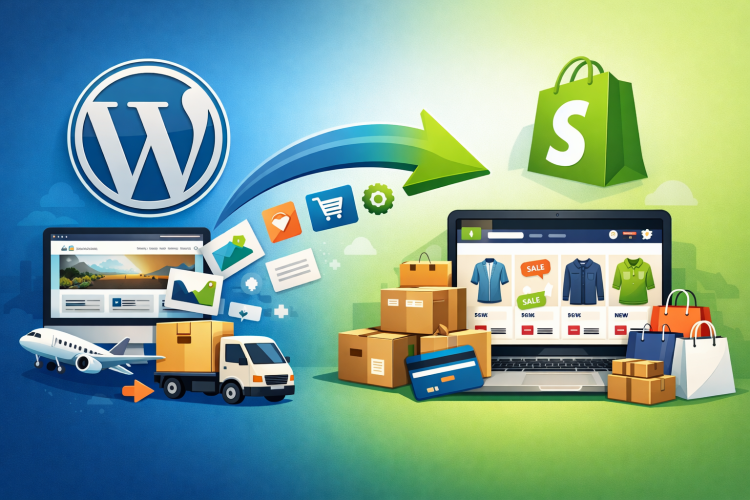
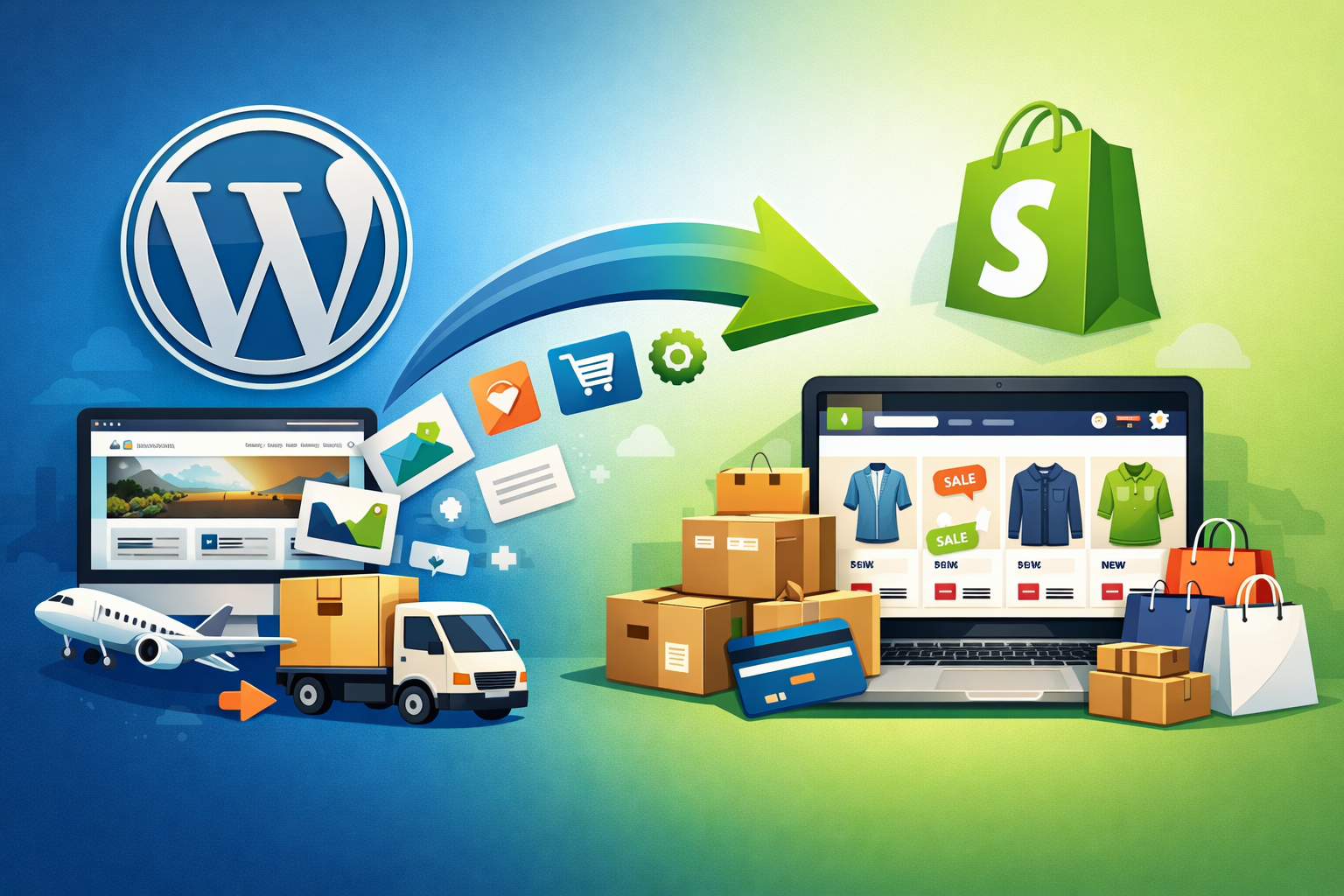
Migrating from WordPress (typically using WooCommerce) to Shopify is a significant step for any online business aiming to scale or simplify e-commerce operations. The migration process involves technical, operational, and strategic considerations to ensure that all critical data and functionalities are retained, and the new store meets business objectives. This document outlines the key requirements for a successful migration from WordPress to Shopify.
1. Pre-Migration Assessment
1. Pre-Migration Assessment
- Business Objectives: Define clear goals for the migration (e.g., improved scalability, enhanced user experience, better integrations).
- Inventory Evaluation: Review existing products, categories, and inventory levels for accuracy and currency.
- Theme and Design Review: Audit the current website’s design and functionality to identify essential features and customisations to replicate or improve on Shopify.
- Plugin/Extension Audit: List all WordPress plugins in use, noting which functionalities must be carried over or replaced in Shopify.
2. Data Preparation and Backup
- Database Backup: Create comprehensive backups of your WordPress site, including files and databases.
- Data Cleansing: Remove outdated, duplicate, or irrelevant product and customer data.
- Export Data: Prepare exports for products, customers, orders, reviews, coupons, and blog content in compatible formats (CSV, XML, etc.).
3. Shopify Account and Store Setup
- Shopify Subscription: Choose an appropriate Shopify plan based on business needs.
- Domain Preparation: Decide whether to transfer, redirect, or purchase a new domain.
- Shopify Theme Selection: Select and customise a Shopify theme that aligns with your brand and replicates essential design elements.
- Essential App Installation: Identify and install Shopify apps that replace or enhance previous WordPress plugin functionalities (e.g., SEO, marketing, analytics).
4. Data Migration
- Migration Tools: Choose a migration method: manual import/export, use of third-party migration tools (such as Cart2Cart, LitExtension), or professional migration services.
- Product Migration: Migrate all product details, including images, SKUs, prices, variants, and inventory.
- Customer Data Migration: Import customer profiles, addresses, and order histories.
- Order Migration: Move completed and pending orders for continuity in customer service and accounting.
- Content Migration: Transfer pages, blogs, policies, and other informational content.
- SEO Settings: Migrate metadata, URLs, and set up 301 redirects to preserve search engine rankings.
5. Post-Migration Testing and Optimisation
- Functionality Testing: Test all store functionalities including checkout, payment gateways, product search, and contact forms.
- Design Validation: Review the site on various devices and browsers for consistency and responsiveness.
- Data Integrity Check: Verify product listings, customer accounts, and order histories for completeness and accuracy.
- SEO Audit: Ensure redirects, metadata, and sitemap are properly configured. Use Google Search Console and Analytics for monitoring.
- Performance Optimisation: Optimise images, apps, and scripts for faster loading times.
6. Operational and Team Training
- Staff Training: Train team members on Shopify’s admin interface, order management, and customer support modules.
- Process Documentation: Update internal processes and documentation to reflect new workflows on Shopify.
7. Go-Live and Post-Launch Support
- Go-Live Checklist: Ensure all assets, integrations, and settings are verified before switching DNS/domain to Shopify.
- Monitoring: Actively monitor store performance, customer feedback, and analytics after launch.
- Support Plan: Have a plan in place for technical support and troubleshooting in the initial post-migration period.
Conclusion
A successful WordPress to Shopify migration requires meticulous planning, comprehensive data handling, and thorough testing. By following these requirements, businesses can ensure a smooth transition, minimise downtime, and provide a seamless shopping experience for customers.






 to Shopify is a significant step for any online business aiming to scale or simplify e-commerce operations. The migration process involves technical, operational, and strategic considerations to ensure that all critical data and functionalities are retained, and the new store meets business objectives. This document outlines the key requirements […])

There are no reviews yet.